Guide
Rencore Teams App Homepage
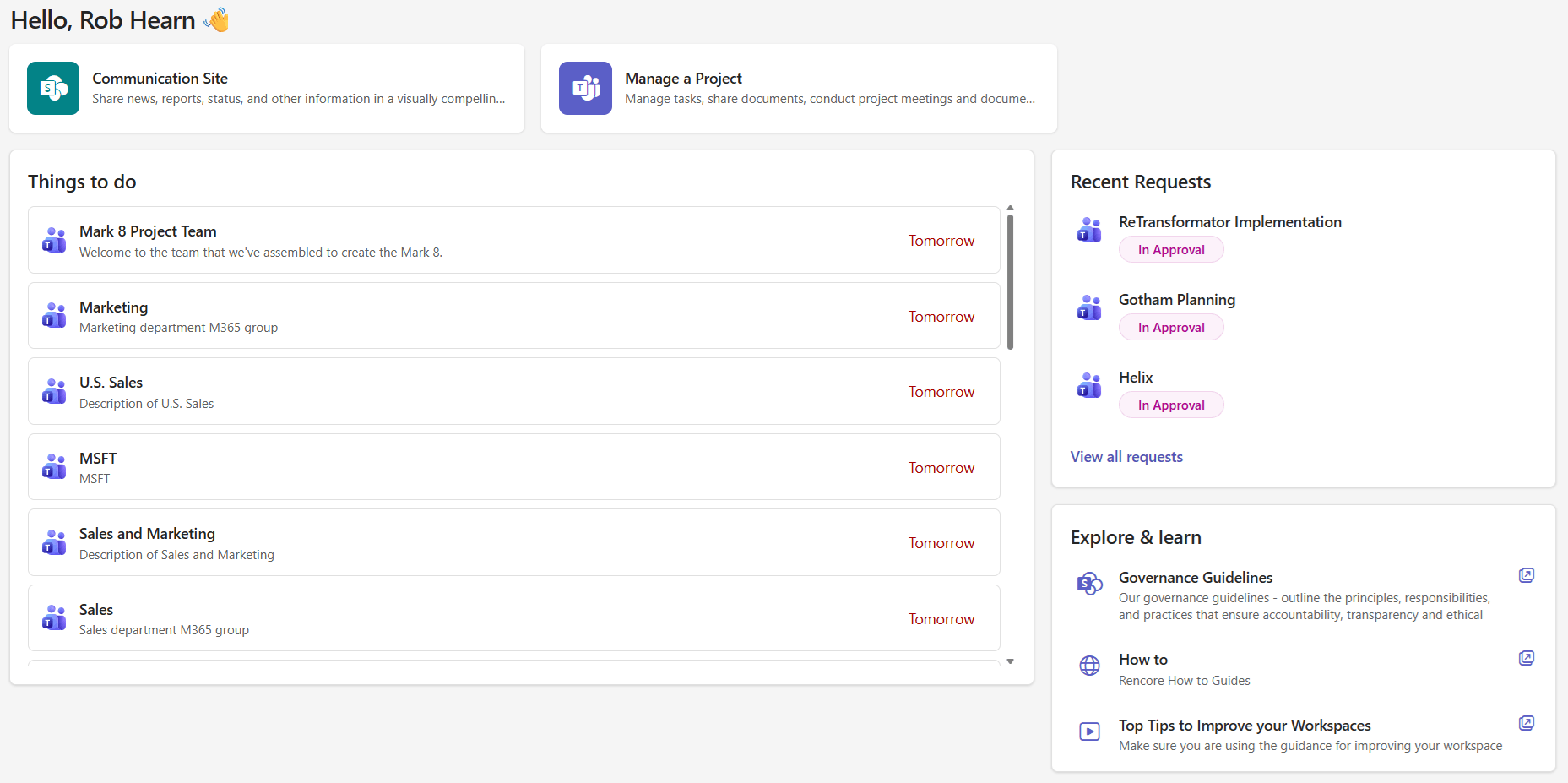
The Home page is your personal dashboard in the Rencore Teams App. It gives you a quick overview of what needs your attention and provides shortcuts to your most-used actions.
Most-used templates
At the top of your Home page, you’ll see up to three shortcut cards for the provisioning templates you use most frequently. These are determined automatically based on your usage history.
Click a template card to jump straight into the request workflow for that template.

Things to do
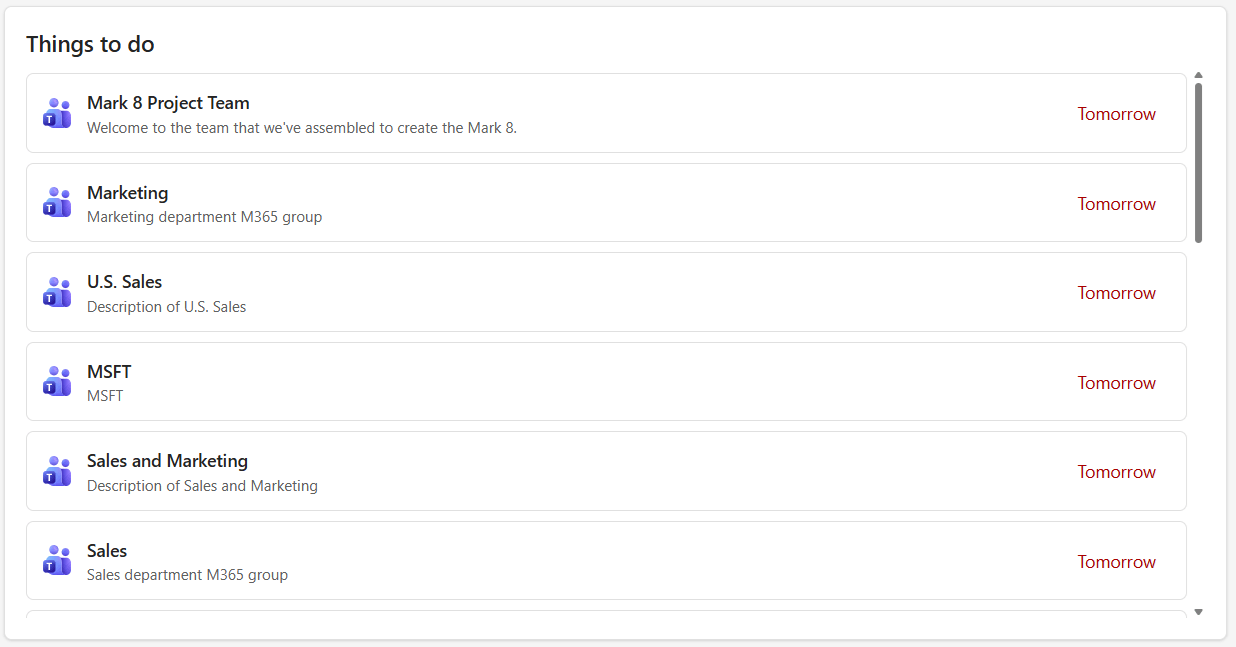
This section is filtered to show tasks due in the next 30 days that require your action:
- Pending approvals - Requests waiting for your approval decision
- Active reviews - Access reviews assigned to you that need to be completed
Click on any item to navigate directly to the relevant feature.
When you have no pending tasks, you’ll see a “You’re all caught up” message.
Ongoing requests
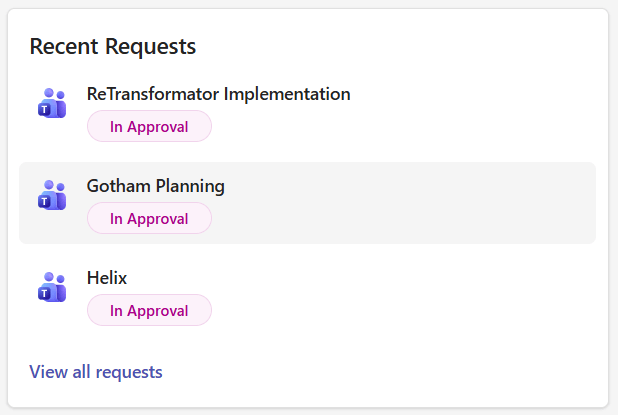
Track the status of workspace requests you’ve submitted. Each entry shows the request name and its current status, so you can check progress without navigating to the Requests page.
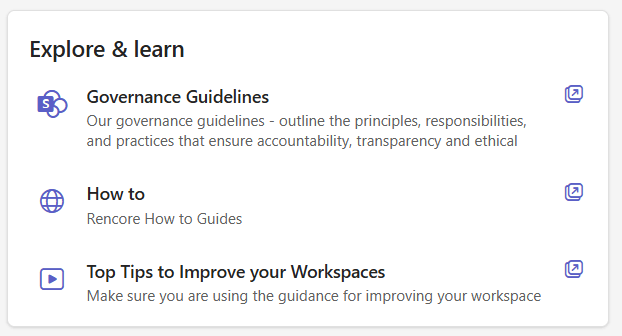
Explore and learn
Your organization may provide helpful resources, guides, or training materials in this section. Your IT admin configures content here and may include links to internal documentation, onboarding guides, or governance policies.